
Download Pluggio – Twitter client, Adobe Air, column-based sorting, multiple accounts, contact manager, tweet management, social media tool, productivity app, compact window, lightweight app, mobile utility
Overview
Pluggio is a lightweight Twitter client designed for Android users seeking a streamlined, efficient way to manage their social media presence. Built on Adobe Air, the app delivers a compact interface that appears as a small window on the side of the screen, allowing users to monitor tweets without disrupting their current workflow. This unique design enables real-time engagement with Twitter content while multitasking across other applications. The app is particularly suited for individuals who manage multiple Twitter accounts—such as professionals, content creators, and social media managers—who need quick access to different profiles and conversations.
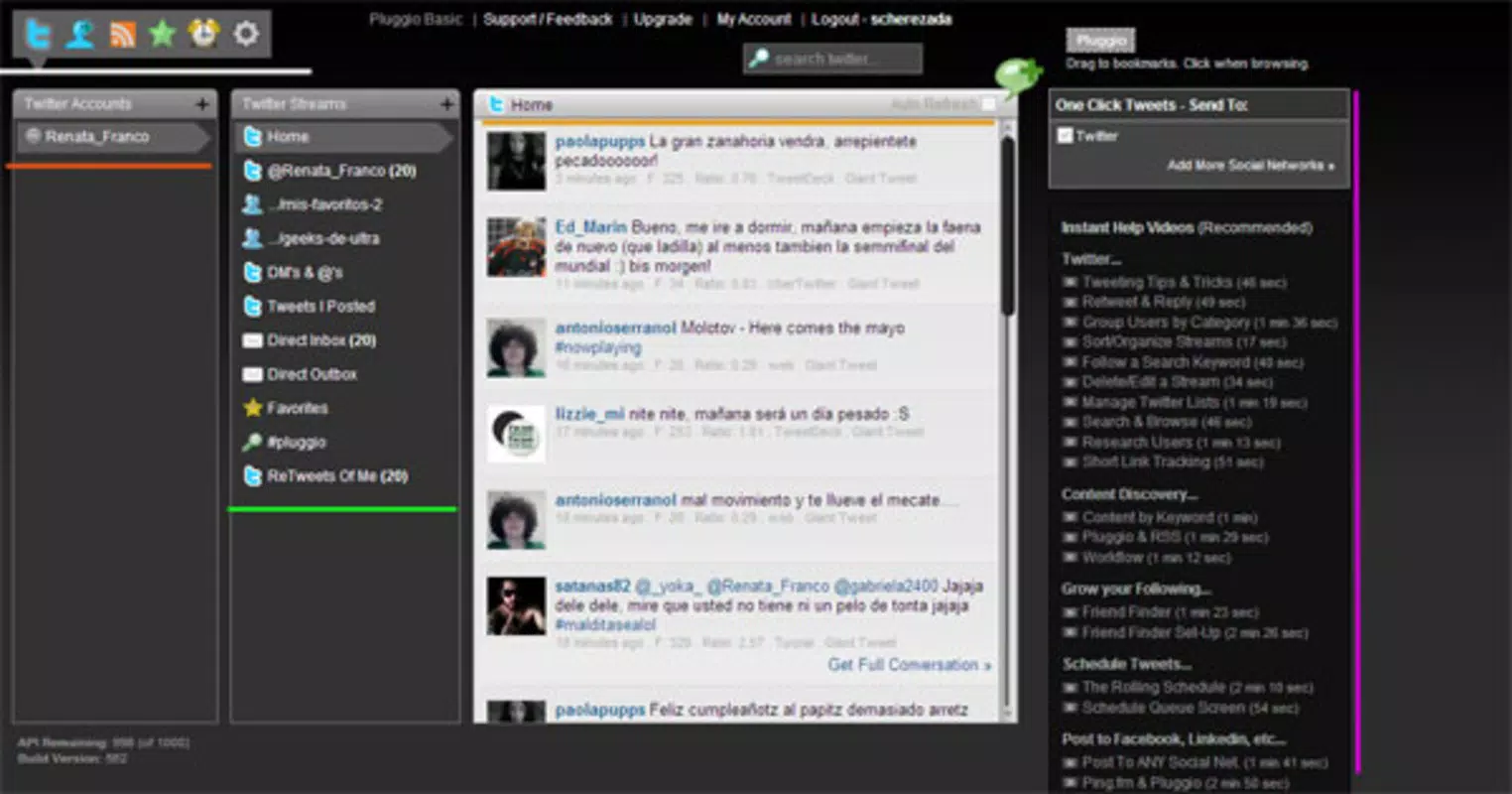
Pluggio addresses the common challenge of fragmented social media management by offering column-based sorting, which organizes tweets into distinct vertical panels. This layout enhances visibility and reduces cognitive load, making it easier to follow multiple threads simultaneously. The app retains core Twitter functionalities like posting, replying, and retweeting, ensuring users do not lose essential features while gaining improved navigation. Although the developer did not provide additional technical details, the app’s minimal size of 3.2 MB suggests a focus on performance and efficiency. Pluggio remains a niche yet functional tool within the social media ecosystem, offering a unique alternative to mainstream Twitter clients.
Key Features & Functionality
- Column-Based Sorting: Tweets are arranged in vertical columns, allowing users to view multiple accounts or conversations side by side. This layout supports real-time monitoring of different feeds, ideal for tracking trending topics or managing client accounts.
- Multiple Account Support: Users can log in to several Twitter accounts simultaneously, each displayed in its own column. This feature is especially beneficial for users who switch between personal and professional profiles throughout the day.
- Easy Tweet Management: The compact window includes intuitive controls for posting updates, replying to tweets, and retweeting. The streamlined interface minimizes steps, enabling faster content creation and engagement.
- Contact Manager: Pluggio includes a built-in contact manager that helps users organize their followers, track interactions, and categorize connections. This feature supports network growth and relationship maintenance.
- Customizable Settings: Users can adjust notification preferences, interface behavior, and other options to tailor the experience. These extras enhance usability and adaptability to individual workflows.
For example, a social media manager could use Pluggio to monitor three separate brand accounts in real time, respond to mentions, and track engagement—all within a single, unobtrusive window. The app’s design encourages productivity by reducing screen clutter and minimizing context switching.
Interface, UX & Performance
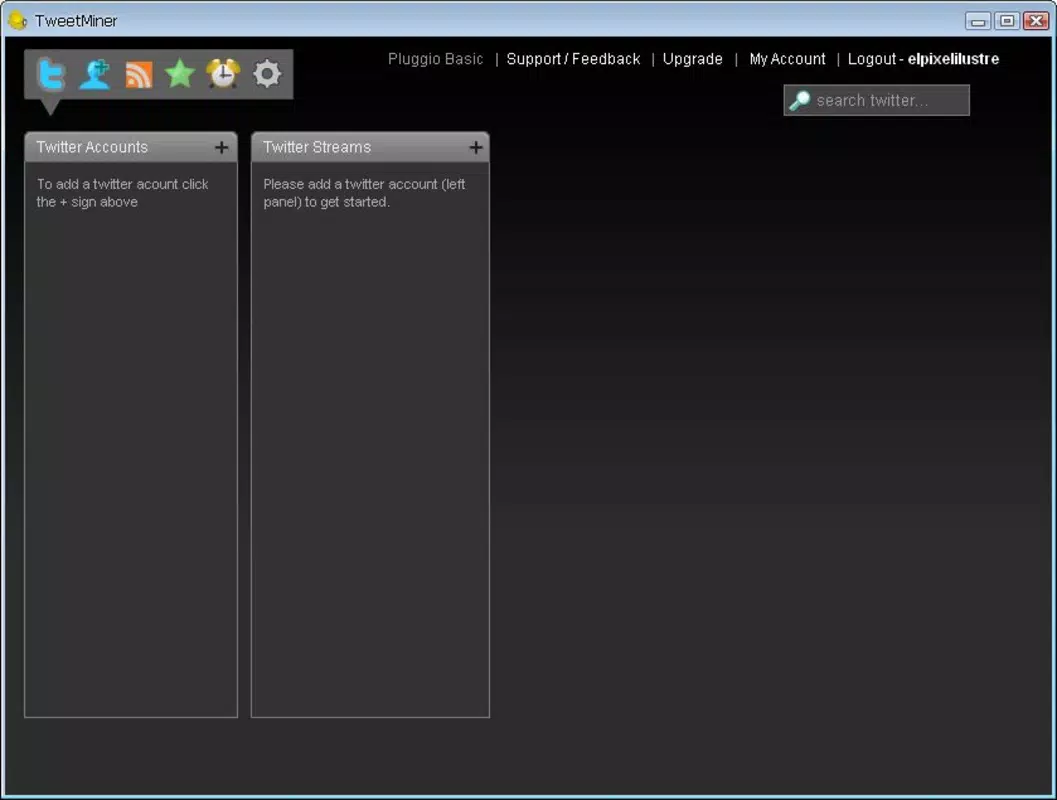
Pluggio features a minimalist, task-oriented interface with a focus on functionality over ornamentation. The app’s compact window design allows for seamless multitasking, positioning the Twitter feed as a persistent sidebar without consuming full-screen real estate. Navigation is intuitive, relying on simple gestures and tap-based interactions to switch between columns or access features.
Although the developer did not list formal performance metrics, the app’s small file size of 3.2 MB suggests optimized resource usage. This lightweight nature likely contributes to smooth performance across a range of Android devices, including older models. The app appears responsive in standard use cases, with quick load times for tweets and minimal lag during interactions. Stability is expected to be consistent, given the app’s long-standing presence since its 2010 release.
Users can expect consistent behavior across different screen sizes and orientations, though specific compatibility details were not disclosed. The interface remains functional and readable, with clear typography and accessible controls. Overall, the user experience prioritizes efficiency and accessibility, making it a practical choice for daily Twitter use.
Platform Compatibility & Technical Requirements
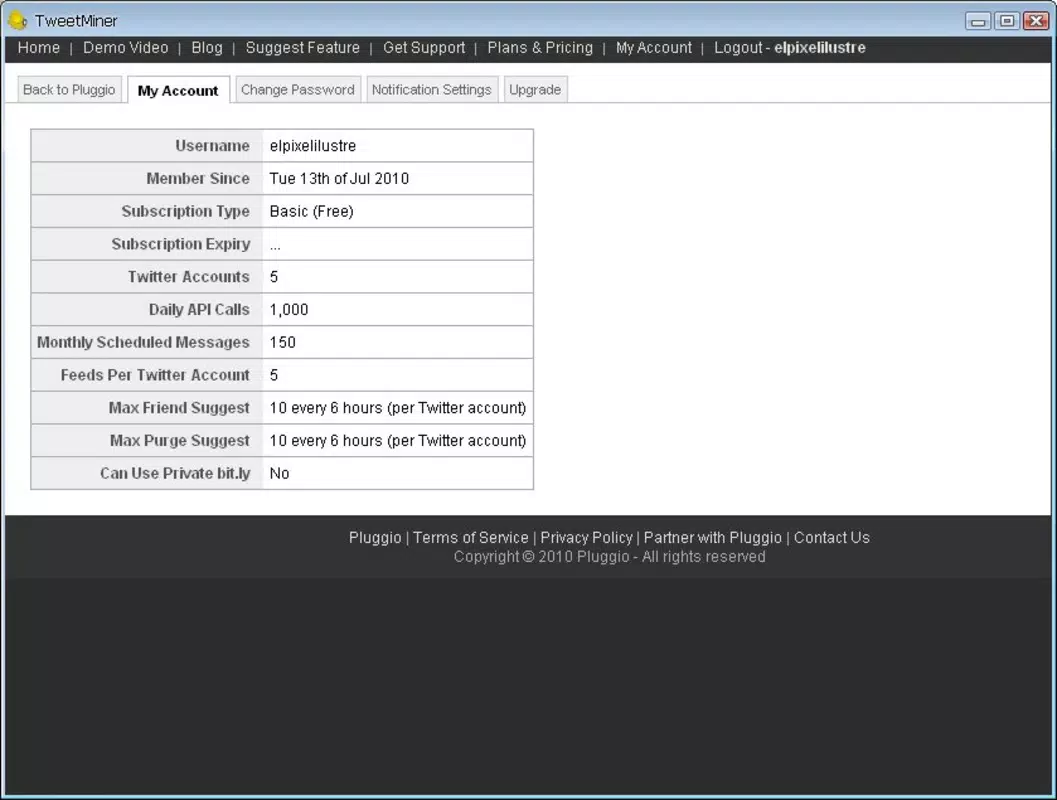
Pluggio is available exclusively on the Android platform. The app requires Android as its operating system, though specific version requirements were not listed. The file size is 3.2 MB, indicating a lightweight installation that does not strain device storage. The current software version is 1.0, and the app is offered at no cost to users.
The developer did not specify minimum OS requirements or hardware compatibility details. As such, users should verify compatibility with their device’s Android version and available memory. The app’s reliance on Adobe Air may affect availability on newer Android versions that have phased out support for older runtime environments. However, given its release date in 2010, it may still function on devices with legacy Adobe Air support.
Pros and Cons
Pros
- Compact, non-intrusive interface ideal for multitasking
- Supports multiple Twitter accounts in a single view
- Column-based layout enhances readability and organization
- Lightweight at only 3.2 MB in size
- Free to download and use with no in-app purchases
Cons
- No official updates since 2010; potential compatibility issues on modern Android versions
- Reliance on Adobe Air may limit functionality on newer devices
- Limited customization options beyond basic settings
- No official support or developer communication channel
- Outdated design may not appeal to users expecting modern UI standards
FAQ
Is Pluggio safe to download and use?
Pluggio is a free app with no reported security issues. However, as it runs on Adobe Air and has not been updated since 2010, users should exercise caution on devices with updated security policies.
Can I use Pluggio on iOS?
Pluggio is currently available only on Android. There is no official iOS version or support announced.
Does Pluggio require an internet connection?
Yes, a stable internet connection is required to access Twitter content, post updates, and interact with other users.
How do I update Pluggio?
As of now, there are no official update channels. The latest version available is 1.0, released in 2010.
Can I manage multiple Twitter accounts with Pluggio?
Yes, Pluggio supports multiple Twitter accounts, allowing users to view and manage different profiles simultaneously through column-based organization.
Final Thoughts
Pluggio stands out as a unique, lightweight Twitter client that prioritizes efficiency and multitasking through its compact, column-based interface. While its age and lack of updates present challenges for modern Android environments, its core functionality remains relevant for users who value simplicity and real-time access to multiple accounts. The app is best suited for power users, social media managers, or developers interested in legacy tools that offer a distinct workflow.
Despite its outdated status, Pluggio delivers a focused experience that emphasizes productivity over aesthetics. For those seeking a minimal, no-frills Twitter client with strong multi-account support, it remains a viable option—especially for devices that still support Adobe Air.
Download Pluggio now


